The text-only era is over
For years, chatbots could only read text. Visitors had to type everything — even a question like "do you have this bag in blue?" required describing the product in words.
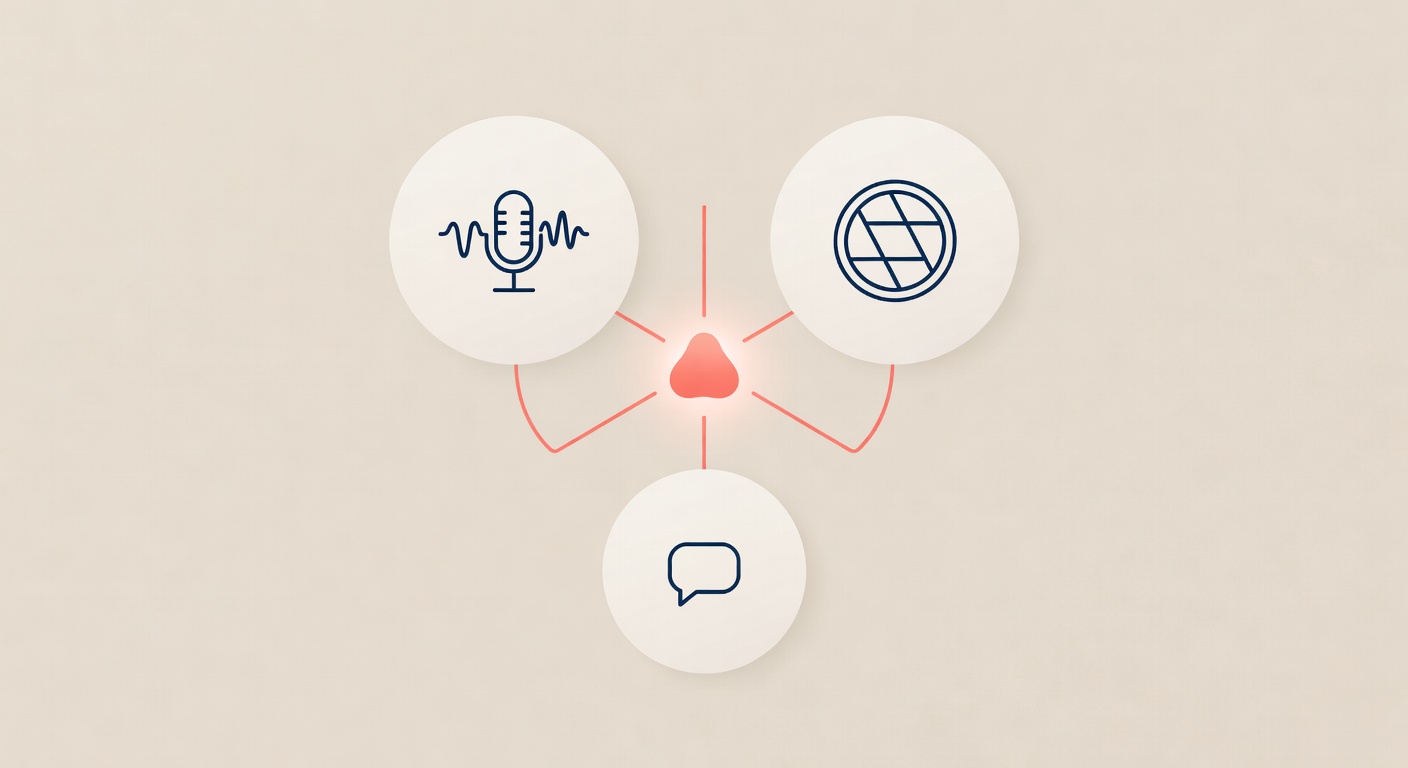
In 2026, modern AI chatbots handle three input types natively: text, voice, and images. This isn't a gimmick — it fundamentally changes who can use your website and how fast they convert.
Voice messages: speak instead of type
Why it matters:
- 60% of mobile users prefer voice over typing for anything longer than one line
- Voice removes the barrier for elderly users, people with disabilities, and anyone on the go
- Users can describe complex situations faster than typing them
How it works:
A visitor taps the microphone button, speaks their question, and the audio goes to OpenAI Whisper API for transcription. The transcription becomes the chat message, and the AI responds within 3 seconds.
Real example:
A visitor to a car service site says: "My car makes a strange noise when I brake, do you repair brakes and how much would it cost?" — 15 seconds of voice. The bot transcribes it, understands the query, pulls pricing from your site, and answers: "Yes, we repair brakes. Diagnostic is EUR 25, brake replacement starts at EUR 120. Want to book a slot?"
Without voice, the visitor might not type all that. They'd leave.
Images: show instead of describe
Why it matters:
- E-commerce: "Do you have this product?" → send a photo, bot searches your catalog
- Service businesses: damage reports, "fix this" requests, product comparisons
- Real estate: "similar to this apartment?"
How it works:
The visitor drags and drops a photo, or taps the attach button. The image is uploaded to your server, served at a public URL, and sent to the AI Vision API with the conversation context. The AI describes what it sees and responds accordingly.
Real example:
A visitor to an interior design site uploads a photo of their living room and types "what would fit here?" The bot sees the photo — modern grey sofa, white walls, wooden floor — and responds: "Your minimalist aesthetic would pair beautifully with our Nordic collection. Want me to send you 3 options with prices?"
Try doing that with a contact form.
The AI ties everything together
Modern multimodal AI doesn't treat voice, text, and images as separate silos. A single conversation can combine all three:
- User sends photo of a product
- User types "is this in stock?"
- User sends voice message "and when can you deliver?"
- Bot responds in text with product info, availability, delivery estimate
The AI maintains context across all three input modes. For the user, it feels like talking to a knowledgeable salesperson.
The cost of NOT supporting multimodal
Without voice: your mobile conversion drops 30-40% for anyone who can't or won't type a long question.
Without images: e-commerce visitors abandon "does this fit my space/style/phone" questions.
Without both: you force every visitor through the narrowest possible interface — keyboard typing.
Implementation: zero work from you
You don't configure voice recognition. You don't train image detection. You don't write speech-to-text code.
Modern chatbot platforms include multimodal support out of the box:
- Voice via OpenAI Whisper (30+ languages auto-detected)
- Images via vision-enabled models (GPT-4V, Claude, Grok)
- Text via standard language models
The widget renders the microphone button, the attach button, and the text input. The user picks whichever is easiest. The AI handles the rest.
Who needs this the most?
- E-commerce — product photos are gold
- Service businesses — voice is faster for complex requests
- Real estate — buyers send photos of what they want
- Medical/dental — "is this rash serious?" voice + photo
- Any site with mobile traffic — voice is 3x faster than mobile typing
If more than 50% of your traffic is mobile, multimodal isn't optional. It's the difference between conversions and bounces.
Try voice and image-enabled AI chatbot on your site. Start free trial — all three input modes included from day one.